Smart Cooler Inventory Management: The Technology Behind the Scenes
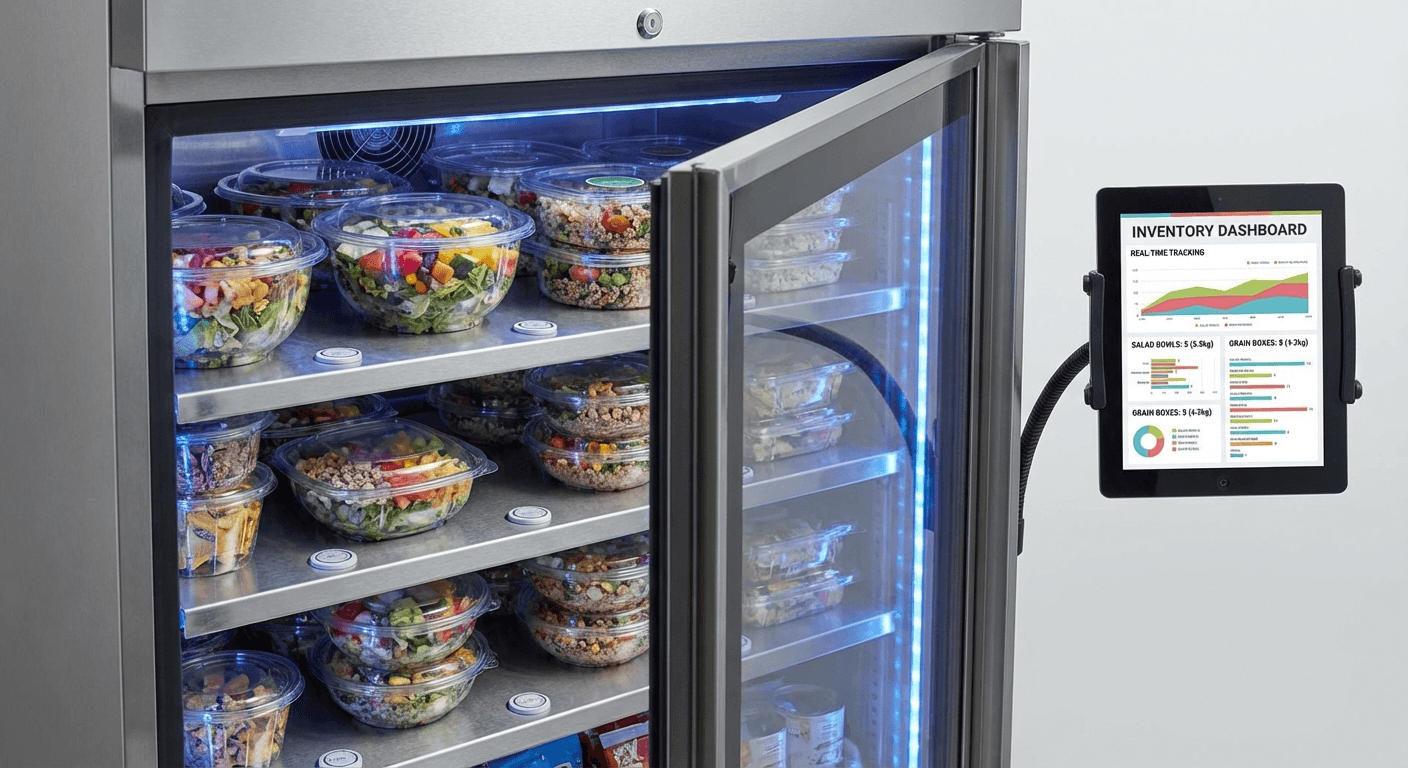
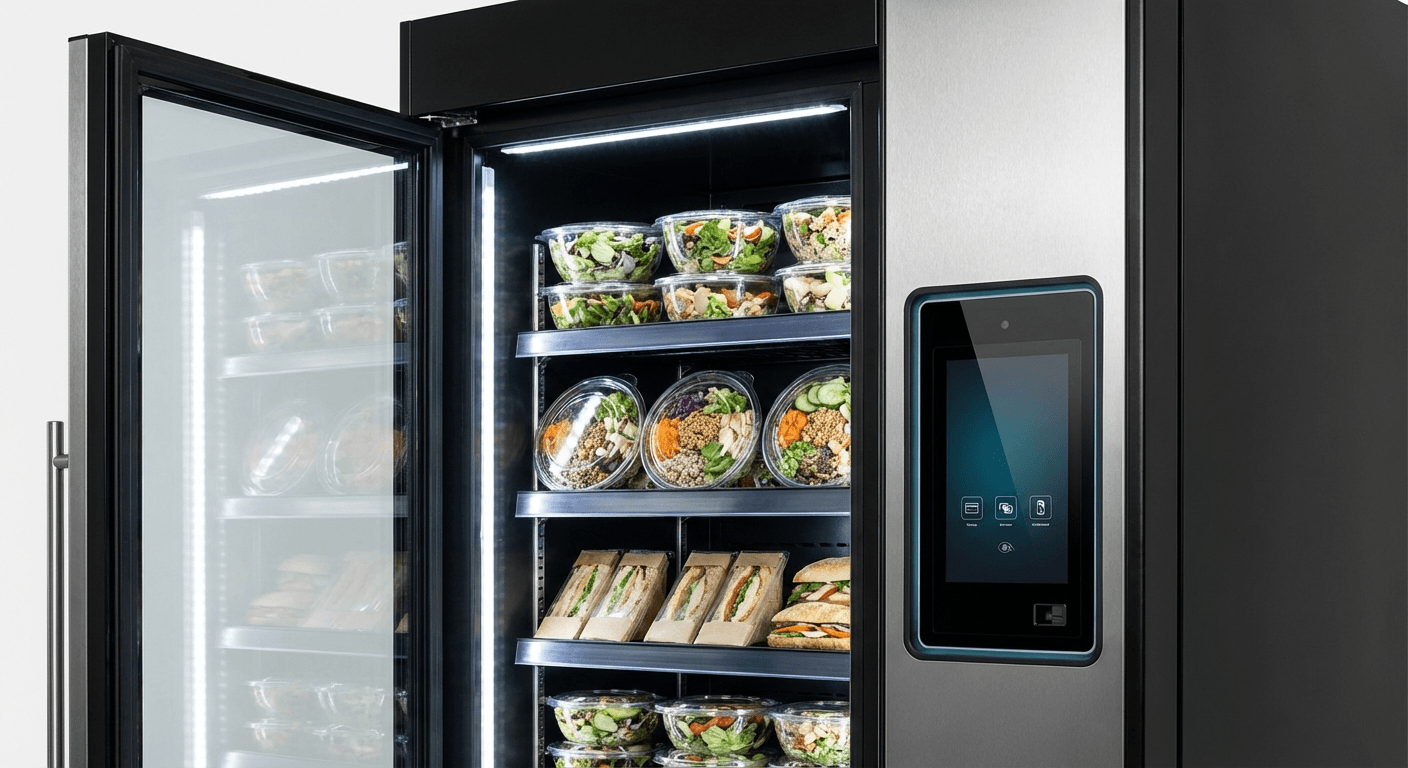
Smart cooler inventory management is one of the most significant advantages these units have over traditional vending — and one of the least visible to the employees using them. From the user's perspective, the cooler is just always stocked with what they want. Behind that experience is a real-time data system that tracks every product, prevents stockouts before they happen, and continuously optimizes the menu based on actual purchasing behavior.
This guide explains how smart cooler inventory management works, why it matters for facilities and vendors alike, and what to look for when evaluating vendor capabilities.
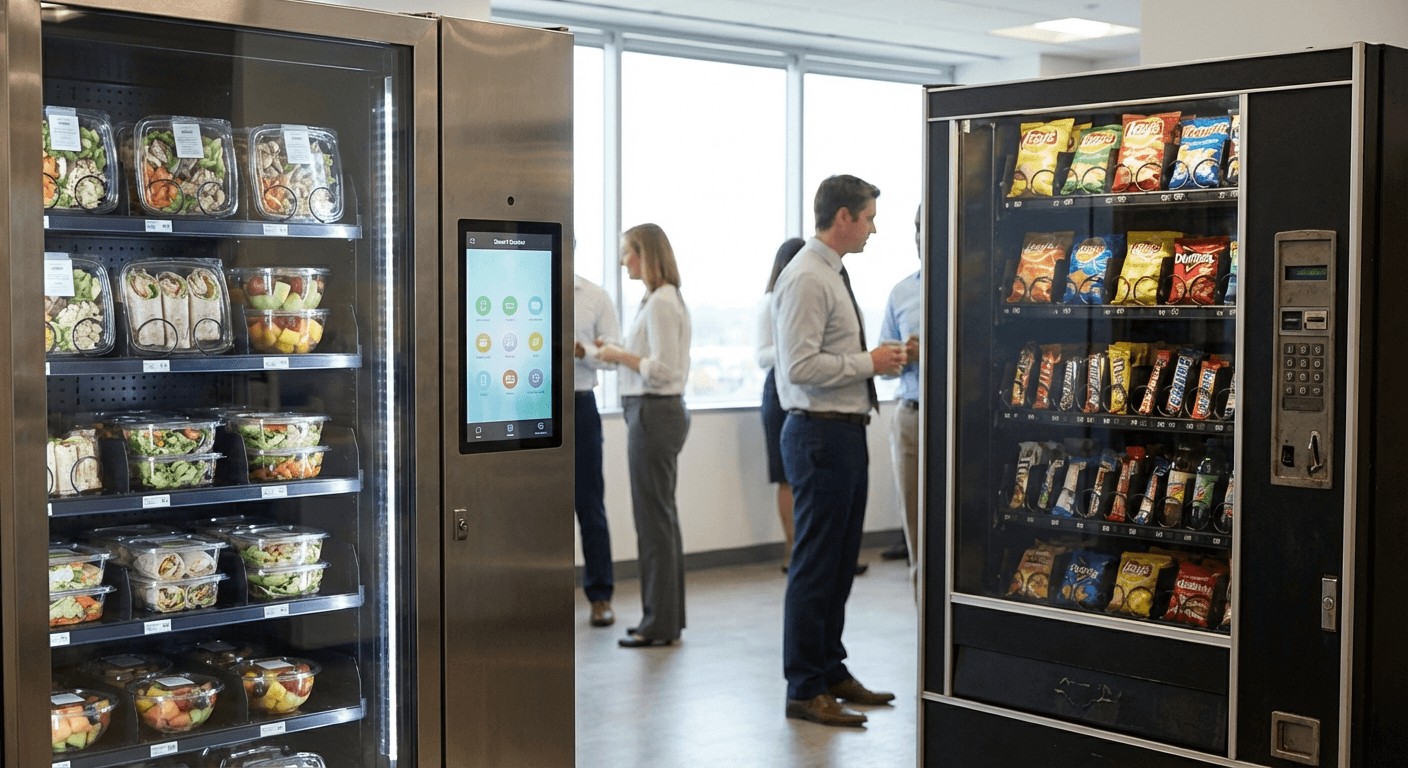
The Problem with Traditional Vending Inventory Management
Traditional spiral vending machines have no meaningful inventory management. The vendor sets a fixed restocking schedule — once a week, twice a week, whatever the contract specifies — and visits regardless of actual product levels. The result:
- Popular items sell out days before the next scheduled restock
- Slow-moving items take up slots for weeks or months
- The vendor has no data on which products people actually want
- Facility managers get no visibility into what's happening in the machine
This model produces predictable failure: the items people want are gone, the items no one wants are abundant, and no one has the information to fix it.
Smart cooler inventory management eliminates each of these failure modes.
How Smart Cooler Inventory Tracking Works
Weight Sensor Technology
The most common approach in current-generation smart coolers uses load cells (weight sensors) embedded in each shelf. Every product is weighed when stocked. When a customer removes an item, the weight change is detected and inventory counts update automatically.
Weight sensors provide real-time visibility into what's on each shelf, how many of each item remain, and how quickly products are moving. The system doesn't need to know which specific product was removed — it knows the weight decrease and can cross-reference against the planogram (the layout diagram showing what's on each shelf position).
RFID Inventory Tracking
More sophisticated units use RFID (Radio Frequency Identification) tags on products. Each product carries a tag that the unit can read without line of sight — the system scans all tags in the unit simultaneously and knows exactly what's present.
RFID provides capabilities beyond weight sensors:
Expiration date tracking: Tags can carry expiration data, allowing the system to flag products approaching expiration automatically — without manual review at every stocking visit.
Individual item identification: Unlike weight sensors that track aggregate weight by shelf position, RFID identifies specific individual items. This supports more detailed analytics and enables features like personalized purchase history.
Reduced data drift over time: Weight sensors can accumulate small errors over time as product weights vary slightly. RFID provides exact counts.
Computer Vision
Some premium units incorporate cameras and machine learning models that visually identify products and shelf states. Computer vision can:
- Identify which specific products are on which shelves
- Detect if items have been misplaced or face-outs have collapsed
- Provide visual documentation of shelf state for quality control
Computer vision adds cost and complexity. It's most commonly found in high-volume deployments where the added data quality justifies the investment.
From Data to Action: The Restocking Intelligence Layer
Raw inventory data is only useful when it drives decisions. Smart cooler management platforms convert real-time inventory data into operational guidance:
Automated Low-Stock Alerts
When any product drops below a defined threshold — say, fewer than 3 remaining — the system generates an alert. Depending on vendor setup, this might:
- Add the item to the next scheduled restock route
- Trigger an unscheduled visit if the depletion is at a critical item during a busy period
- Notify the vendor operations team for manual review
Demand Forecasting
Over time, the system builds consumption patterns for each account: which items sell on which days, what time of day sees peak demand, how usage changes week over week. These patterns feed into forecasting models that predict what volume of each product to bring on the next restock visit.
Good forecasting reduces both stockouts and waste. Under-ordering leads to empty shelves; over-ordering leads to product expiration and waste.
Route Optimization
For vendors serving multiple accounts, inventory management data feeds into route planning software that sequences restocking visits based on actual need rather than fixed geography. Accounts running low get visited sooner; accounts with adequate inventory can wait.
This makes vendor operations more efficient — fewer unnecessary visits, fewer instances of arriving at a full cooler.
How Inventory Data Benefits Facilities
Facilities aren't just passive recipients of inventory management — they benefit directly from the data.
Usage Reports
Good vendors provide regular reports to facility management showing:
- Total transactions by day and week
- Top-selling products
- Slow-moving items
- Peak usage times
- Revenue generated (if revenue sharing applies)
This data is useful for understanding employee behavior, tracking program health, and making informed decisions about program expansion.
Menu Optimization
Consumption data drives menu decisions. Products that consistently underperform are replaced with alternatives. Items that sell out quickly are given more shelf space or more frequent restocking priority.
This optimization happens continuously, which is why a well-managed smart cooler program improves over time rather than staying static.
Accountability Mechanism
Inventory data gives facilities a way to hold vendors accountable. If a vendor claims they restocked Tuesday but inventory data shows the unit was below threshold from Saturday through Wednesday, the data tells the real story. Good vendors welcome this transparency; vendors with service quality problems avoid it.
Common Inventory Management Challenges and How They're Handled
High-Volume Periods
Significant events — company meetings, shift changes, special occasions — can temporarily spike demand and deplete inventory faster than normal. Good vendors monitor usage patterns and can anticipate event-driven demand spikes or respond quickly when an unusual depletion alert fires.
Seasonal Menu Transitions
Switching from summer menus (lighter salads, cold beverages) to fall/winter menus (soups, hot entrées) requires careful inventory management to run down existing stock before introducing new items. Vendors with data-driven inventory systems handle this more gracefully than those operating on fixed schedules.
Product Recalls
If a product recall is issued for an item in inventory, RFID-equipped units can identify exactly which units contain affected products and which individual items need removal. Weight-sensor-only units require manual review — vendors should have a documented recall response protocol regardless of technology.
Theft and Tampering
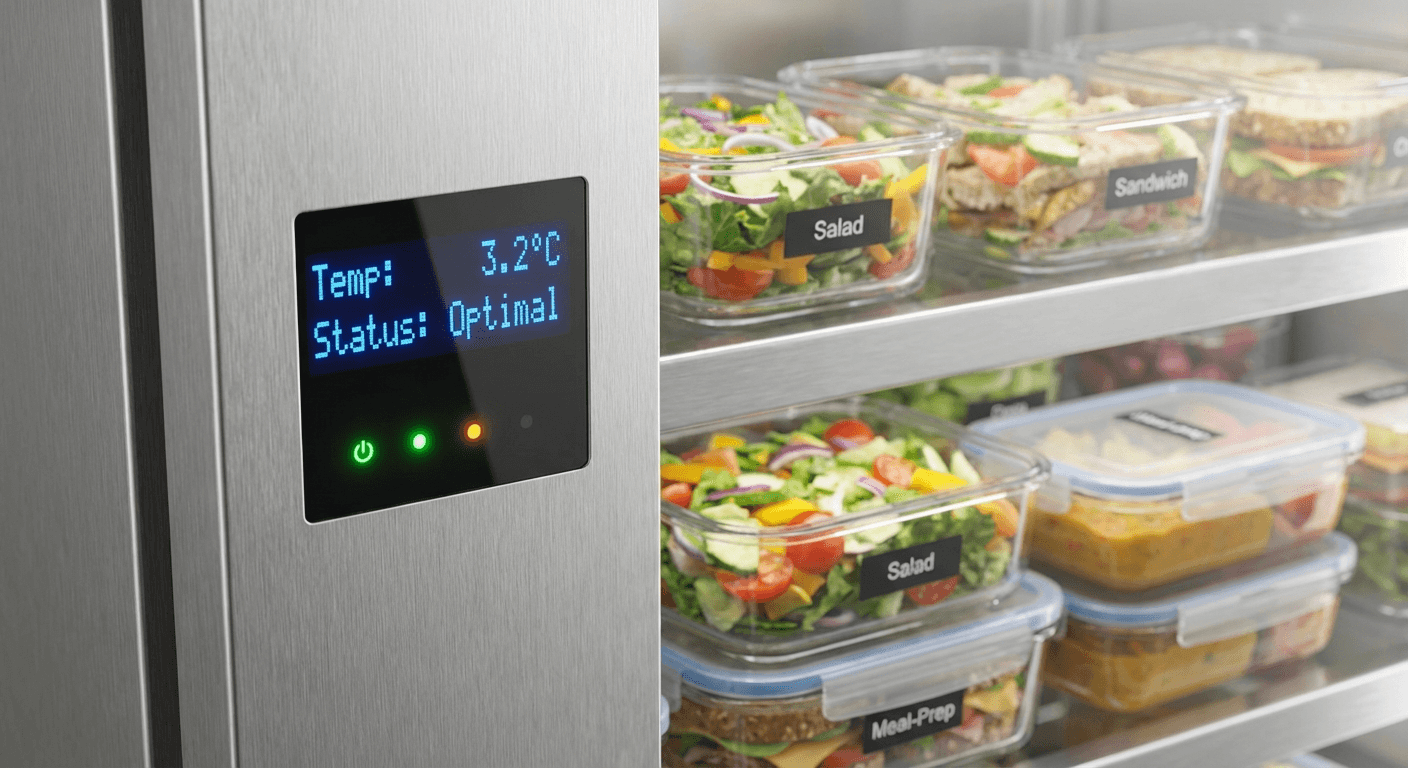
Some smart coolers use access control — the door only unlocks after payment is confirmed — to prevent theft. Others are open-access with payment confirmed at pickup. For facilities with theft concerns, locked-access units are the appropriate choice. Ask vendors about their access control options.
What to Ask Vendors About Inventory Management
When evaluating smart cooler vendors, ask:
- What inventory tracking technology does your equipment use (weight sensors, RFID, computer vision)?
- How frequently does inventory data update?
- What triggers a restocking visit — fixed schedule or demand-driven alerts?
- What is your average time-to-restock after a low-stock alert?
- What reports do you provide to the facility, and how frequently?
- How do you handle product expiration tracking?
- Do you have a documented product recall protocol?
Vendors who can answer these questions specifically and confidently operate serious programs. Vendors who give vague answers about "regular visits" and "making sure things are stocked" don't.
See the Technology in Action
Replenished Markets uses real-time inventory management across all our Atlanta-area accounts. Our facilities receive monthly usage reports, and our restocking schedules are demand-driven based on live consumption data — not fixed calendars.
Contact us to schedule a site assessment and learn what a smart cooler program would look like for your facility. You can also review what is a smart cooler for a complete overview of the technology.